
 By Olivia Wilson Media Team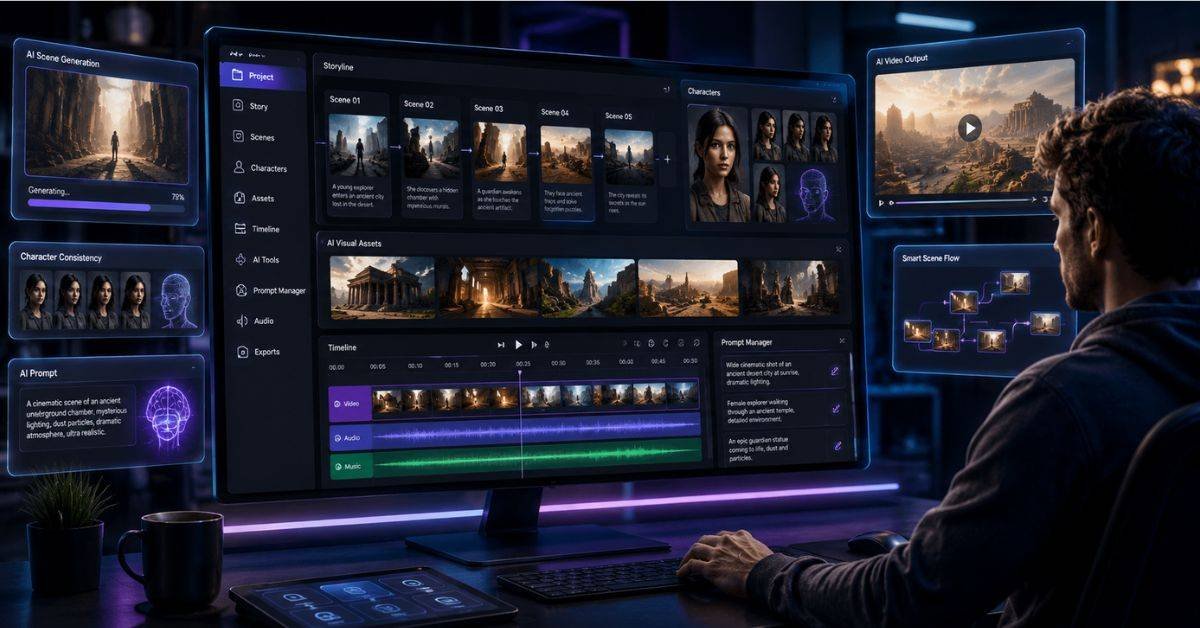
If you have ever tried to make an AI video and ended up with a bunch of messy clips, lost prompts, and images scattered across different folders, you already know the problem. AI video tools are getting more powerful every year, but the process of actually building a high-quality video — one with a consistent character, a clear story, and polished scenes — is still really hard for most people.
That is exactly what AZ8 was designed to fix.
This AZ8 Review will give you a full and honest look at what this platform does, how it works, who it is built for, and whether it is worth your time in 2026. We have studied competitor articles, tested the platform’s described workflow, and compared it against what real creators need. By the end of this guide, you will know if this tool fits your goals — and exactly how to get the most out of it.
Let us start from the beginning.
AZ8 is an AI-powered video creation platform built around a visual canvas workspace. In simple words: instead of typing one prompt and hoping you get a good video, AZ8 gives you a whole creative workspace where you can plan your scenes, build your characters, manage your visual references, and produce videos step by step.
Think of it like a digital film studio, but instead of cameras and lights, you use AI models to generate images, scenes, characters, and motion.
The platform was built for people who want more control over the AI video process. If you only need a quick social media clip, you might not need this level of detail. But if you are building story-based videos, faceless YouTube content, branded visual content, or AI short films, AZ8 gives you a much more organized way to do it.
According to research from MIT on creative AI tools, the biggest challenge for creators using generative AI is maintaining consistency and structure across multi-step workflows — which is exactly the gap AZ8 targets.
Not every tool is for everyone, and this AZ8 Review would be incomplete without being honest about that. Here is a clear picture of who will get the most value from this platform:
- AI filmmakers and visual storytellers who need scene-by-scene control
- Faceless YouTube channel creators who build content using AI characters
- Digital marketers who want to produce visual concepts without hiring a production team
- Social media video creators who need branded, consistent visuals
- Small creative teams working on AI-driven video projects
- AI artists who want to move from still images into motion video
- Beginners who just want a quick one-click video
- People who only need casual short clips with no story structure
- Those who do not want to spend time learning a multi-step workflow
If you fall into the first group, keep reading. This tool was built with you in mind.
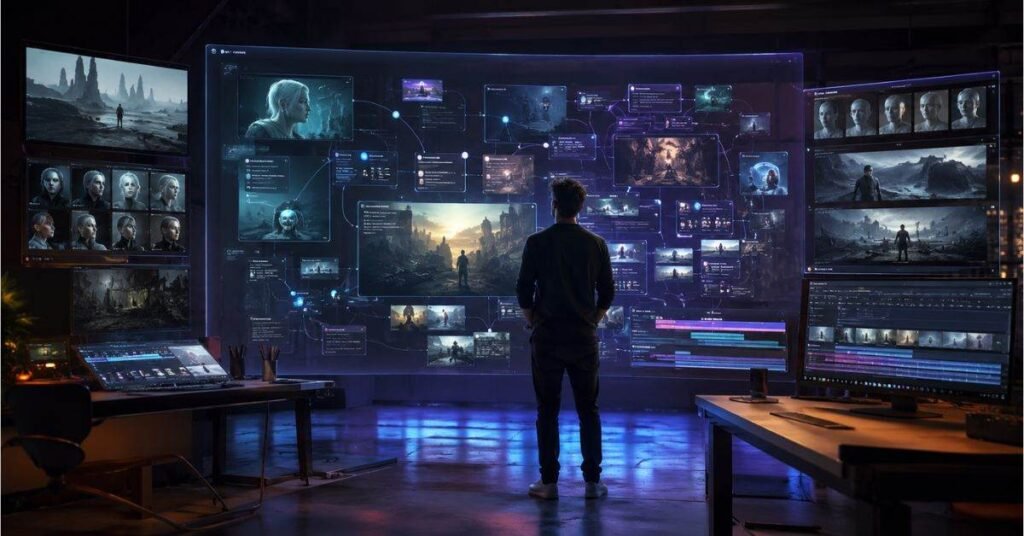
The most important thing to understand about this platform is its canvas-based workflow. This is what makes the tool different from simpler AI video generators.
When you use most AI video tools, you type a prompt, the tool generates a clip, and you either like it or start over. There is no memory, no organized workspace, and no way to connect your ideas from one step to the next.
- Write your scene ideas and keep them visible
- Generate and save image references in the same place
- Build character frames you can reuse across scenes
- Test motion and compare different video versions side by side
- Organize all your creative assets without losing anything
This matters a lot in practice. Experienced creators know that a finished AI video might require 20–50 individual generations before you land on the right result. Without a workspace to track what worked, you end up redoing the same steps over and over.
The canvas solves this by making the whole creative process visible and connected.
One of the core features covered in any honest AZ8 Review is its text-to-video workflow. This is exactly what it sounds like: you describe a scene in words, and the AI turns that description into a visual output.
What separates AZ8’s approach from basic text-to-video tools is that your written prompt does not exist in isolation. It stays connected to the key frames, character references, and video outputs you build around it. This means when the first video generation is not quite right — which is common — you can refine your prompt while keeping all your related assets visible.
- Creating cinematic-style clips from story ideas
- Building scenes for fantasy, sci-fi, or dramatic content
- Producing social media video concepts from product descriptions
- Testing different visual directions for the same written idea
The goal is not just to generate one video from text. It is to develop that idea into something you are actually happy with, scene by scene.
Many experienced AI creators prefer to start with an image rather than plain text. Why? Because an image shows the AI exactly what you want — the character’s look, the lighting, the mood, the composition — in a way that words sometimes cannot.
AZ8 supports image-to-video creation as a core workflow. A user can take any reference image — a character portrait, a concept frame, an AI-generated artwork, or a mood reference — and use it as the starting point for video motion.
This is one of the most practical features in the platform because it helps with character consistency, which is one of the biggest frustrations in AI video creation. If your character looks different from shot to shot, your video falls apart. Starting from a saved character image gives the AI a clear visual anchor to work from.
Sometimes you generate a clip and it is almost right — but not quite. The motion might be off, the atmosphere might not match, or you want to test a different visual style without rebuilding the whole scene from scratch.
This is where video-to-video AI workflows become useful. AZ8 allows creators to take an existing clip and use it as a reference for generating a new, refined version. You can change the style, improve the movement, adjust the tone, or build a new scene that continues from where the last one ended.
This kind of iterative approach is how professional creators actually work. You rarely get it perfect on the first try. Having the ability to build from your previous output — rather than starting completely fresh each time — saves a lot of time and creative energy.
One of the smartest parts of AZ8’s workflow is the key-frame-first approach. A key frame is simply a strong still image that captures the essential look of a scene. Before you turn anything into motion, you build that reference image first.
Why does this matter? Because AI video generation can be unpredictable when it only has text to work from. A strong visual key frame gives the model something concrete to start from, which tends to produce better and more consistent motion output.
This step is used by professional animators and filmmakers in traditional production too — storyboards serve the same purpose. AZ8 brings that logic into the AI video workflow.
- You write a scene description
- You generate a key frame (still image) that captures what the scene should look like
- You use that key frame to guide the video generation
This three-step method gives you much more control over the final result than going straight from text to motion.
Character consistency is the number one technical challenge in AI video creation right now. Even the most advanced AI video tools can struggle to keep a character looking the same from one shot to the next. The face might shift, the hair color might change, the outfit might look different — and suddenly your video feels broken.
AZ8 addresses this with its reference-based workflow. By storing your character’s key frames and reference images inside the canvas, you always have them available when creating new scenes. Each new generation can reference those saved images to stay aligned with the established look.
- AI story videos with recurring characters
- Faceless channel content that uses AI-generated presenters
- Brand mascot or character-driven social media videos
- Short film projects that need visual continuity across multiple scenes
This feature alone is a major reason many serious AI creators are choosing this platform over simpler alternatives.
As noted throughout this AZ8 Review, no single AI model is best at everything. Some are great at generating detailed images. Others are better for realistic motion. Some excel at music generation, while others are built for creative planning or video editing assistance.
AZ8 is designed around a model ecosystem, meaning it connects different types of AI models so creators can use the right tool for each part of the process. Instead of jumping between five different websites or apps, users can manage the whole workflow in one creative workspace.
First, it saves time. Moving between tools means losing context, reformatting files, and re-entering prompts. Having everything in one place keeps the workflow flowing.
Second, it improves quality. When each part of the video — the image, the motion, the audio — is handled by a model that is specifically good at that task, the final result tends to be better than relying on one all-purpose model for everything.
The table below shows how this platform’s workflow features stack up against a typical basic AI video generator and a mid-tier tool:
| Feature | Basic AI Video Tool | Mid-Tier AI Video Tool | AZ8 |
|---|---|---|---|
| Text to Video | ✅ Yes | ✅ Yes | ✅ Yes |
| Image to Video | ❌ No | ✅ Limited | ✅ Full workflow |
| Video to Video | ❌ No | ❌ Rarely | ✅ Supported |
| Canvas Workspace | ❌ No | ❌ No | ✅ Core feature |
| Key Frame Planning | ❌ No | ❌ No | ✅ Built-in |
| Character Reference Management | ❌ No | ⚠️ Basic | ✅ Reference-based |
| Multiple AI Models | ❌ No | ⚠️ Limited | ✅ Model ecosystem |
| Story Video Support | ⚠️ Limited | ⚠️ Limited | ✅ Scene-first design |
| Best For | Quick clips | Casual creators | Serious video builders |
| Creator Type | Basic Tool Fit | AZ8 Fit |
|---|---|---|
| Casual social media poster | ✅ Good | ⚠️ Overkill |
| Faceless YouTube creator | ⚠️ Limited | ✅ Excellent |
| AI filmmaker / storyteller | ❌ Poor | ✅ Excellent |
| Brand / marketing team | ⚠️ Limited | ✅ Good |
| AI artist (image to video) | ❌ Poor | ✅ Excellent |
| Short film creator | ❌ Poor | ✅ Excellent |
Every tool has strengths and weaknesses. Here is a balanced, honest look — the kind you expect from a thorough AZ8 Review — at what works and what does not with this platform.
The canvas workspace is genuinely useful for anyone building multi-scene or story-based video content. Having all your references, prompts, images, and video outputs in one place saves significant time and reduces creative frustration. The key-frame workflow is smart and practical — it reflects how good visual storytellers actually think. Character consistency tools are rare in AI video platforms, and AZ8’s reference-based approach is one of the more thoughtful solutions available in 2026. The multi-model ecosystem gives creators flexibility that single-model tools simply cannot match.
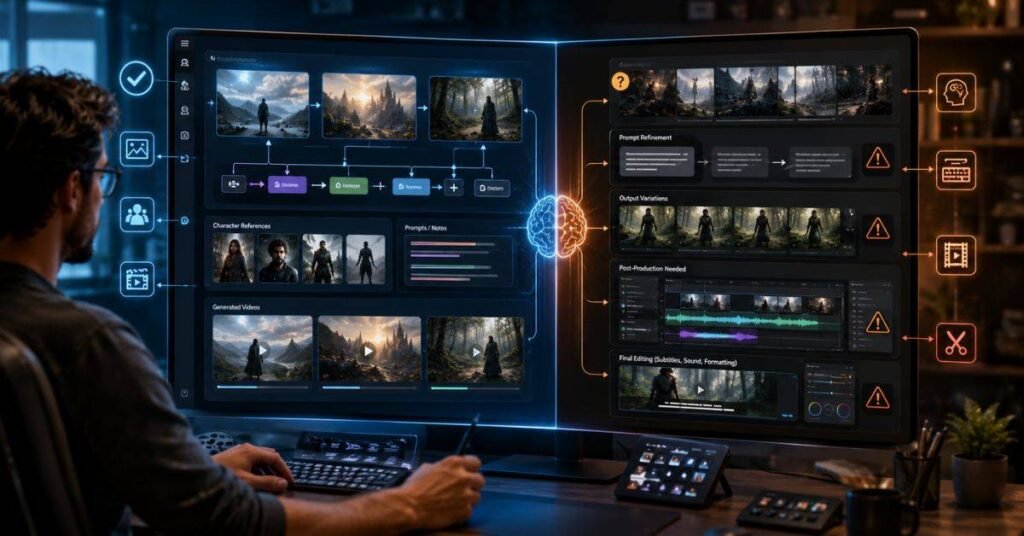
The platform has a learning curve. If you are used to typing one prompt and getting an instant result, the structured workflow will feel like extra work at first. Output quality still depends heavily on how good your prompts and reference images are — AZ8 is a better workspace, not a magic output machine. Creators who only need one fast, casual video clip may not benefit from the full feature set. And like most AI video output, some final videos may still need outside editing for subtitles, sound design, or platform-specific formatting.
Not at all. While the canvas workflow has more steps than a basic tool, beginners can start with simple text-to-video generation and learn the more advanced features — like key frames and character references — over time.
Yes. It is actually one of the strongest use cases. The platform supports AI-generated characters, scene planning, and reference management — all of which are essential for faceless channel creators who build content without filming themselves.
No. AZ8 handles the AI generation and workspace organization side of video creation. For final polish — subtitles, transitions, sound mixing, or platform formatting — you will still likely need a video editor.
It is significantly better than most basic AI video tools, thanks to the reference-based workflow. That said, perfection is not guaranteed — results still vary based on the quality of your reference images and how clearly your prompts are written.
If your clips are standalone and do not require story continuity, a simpler tool might be faster for day-to-day use. But if your social content involves recurring characters, brand consistency, or story arcs, AZ8 is likely worth the extra setup time.
AI video creation has grown incredibly fast, but the tools that help creators organize and control that process have lagged behind — until now. This AZ8 Review set out to answer one simple question: is this platform actually useful for real creators in 2026? The answer is yes — with the right expectations.
This AZ8 Review found a tool that is purpose-built for people who are serious about AI video. The canvas workspace, key-frame workflow, character reference system, and multi-model ecosystem all point in the same direction: more control, more consistency, and less chaos in the creative process.
If you are a faceless channel creator, AI filmmaker, visual storyteller, or brand content team looking to build structured, professional-quality AI videos, this platform deserves a serious look.